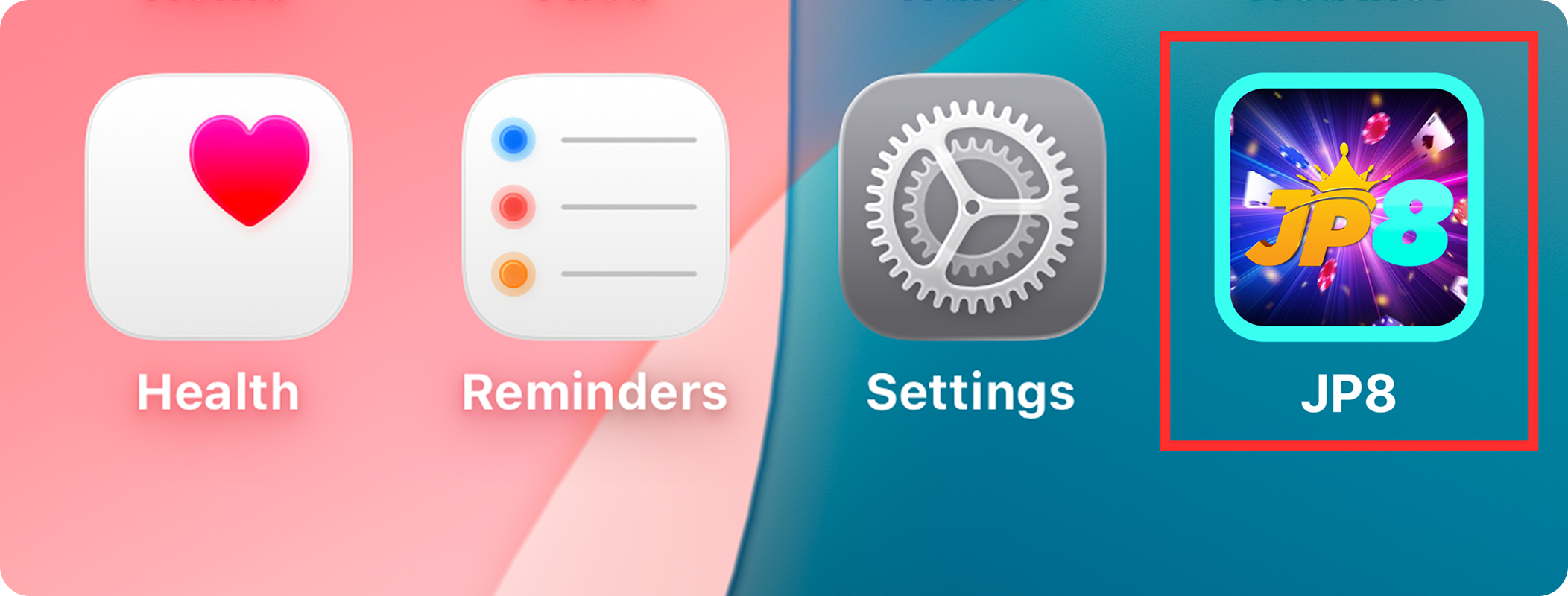

Installation Step
1
Click "Settings" on your phone

2
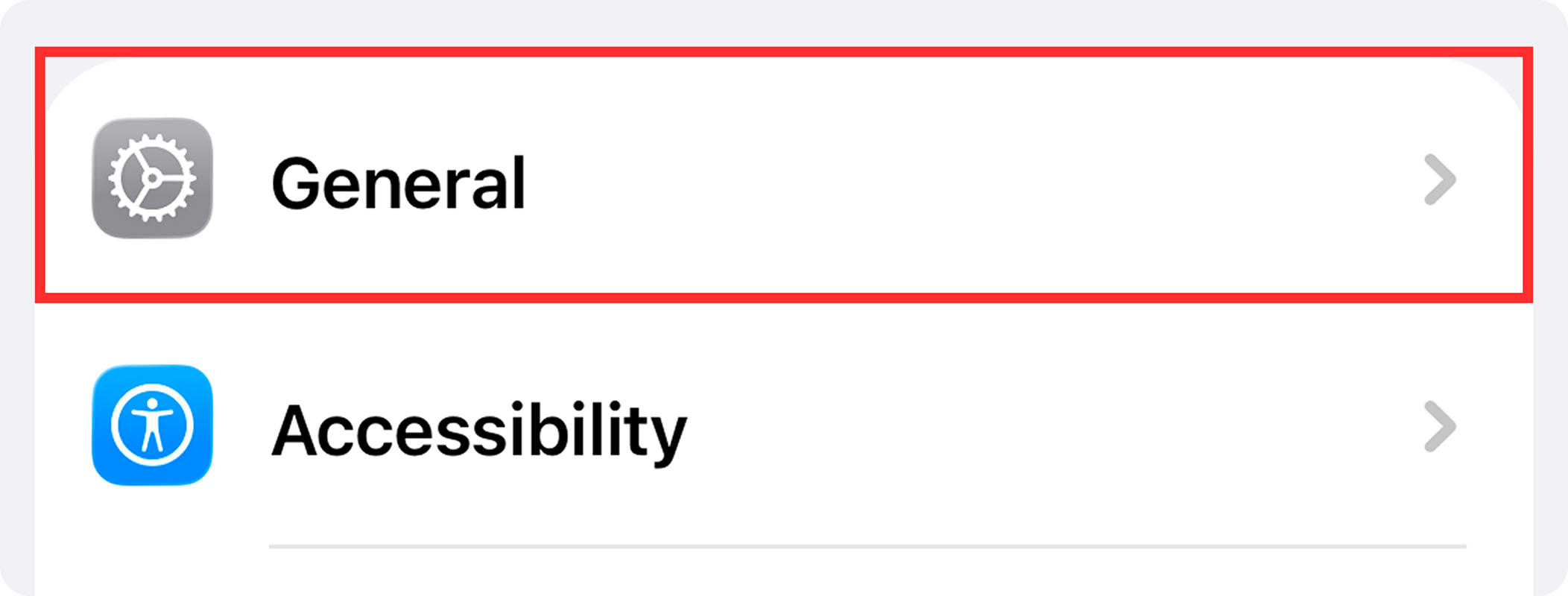
Click "General" in settings
3
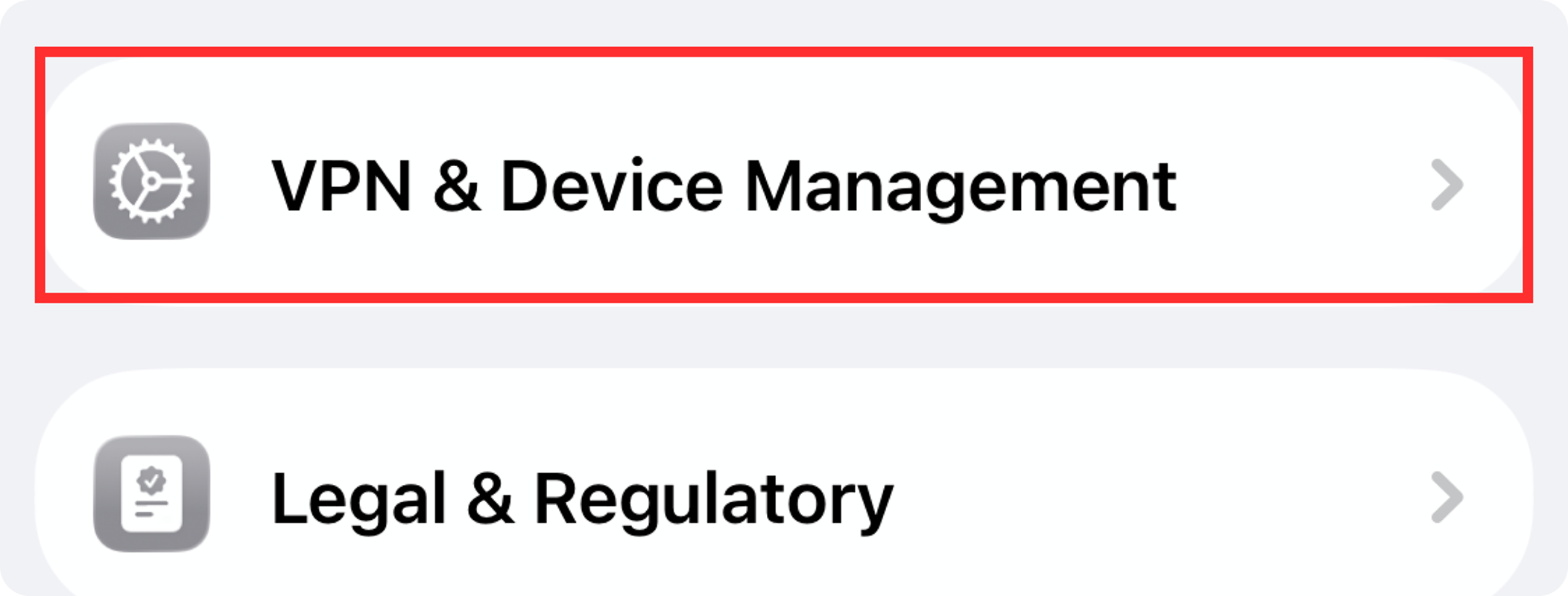
Click "VPN & Device Management" in general
4
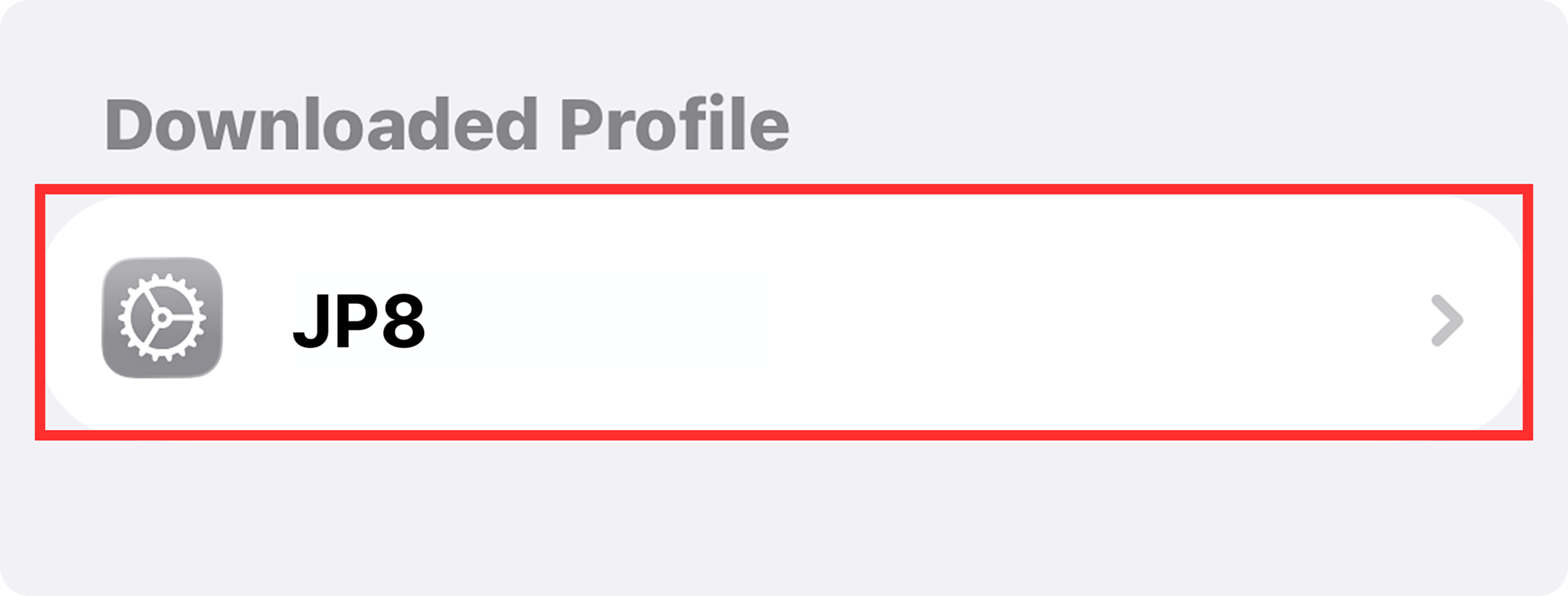
In device management, select the file starting with "JP8"
5
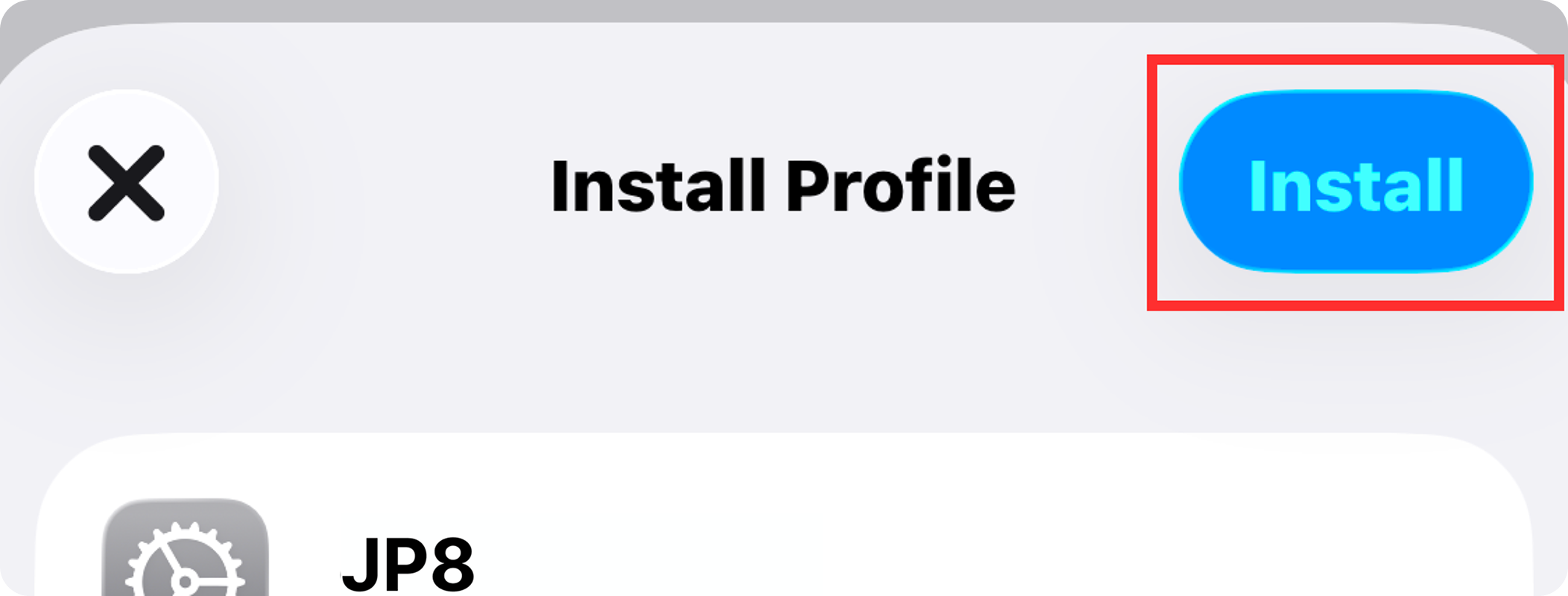
Click "Install" in the upper right corner
6
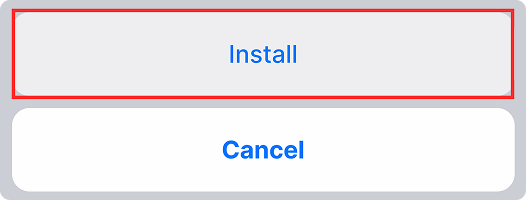
Click "Install" at the bottom
7
After the installation is complete, open the application